Note: This article was originally published on the Memgraph blog.
In the age of rapid technological evolution, data’s role is paramount. Traditional backup methods once stood as the gold standard for data protection. However, the tech world constantly evolves, prompting us to reevaluate and adopt more advanced solutions. This is where database snapshots come into play.
What Are Database Snapshots?
Rather than duplicating the entire dataset, database snapshots capture the state of a database at a specific point in time, recording only changes made post their creation. This is somewhat similar to how version control systems save changes, making it an incredibly space-efficient method.
While database backups demand creating a full replica of your data, a database snapshot focuses on changes since the last snapshot. If no alterations are made, no storage space is consumed.
How Database Snapshots Work
When you create a database snapshot, the system adopts a strategy called the copy-on-write operation. When modifications are made to the source database after the snapshot’s inception, only the original data pages affected by these changes are stored.
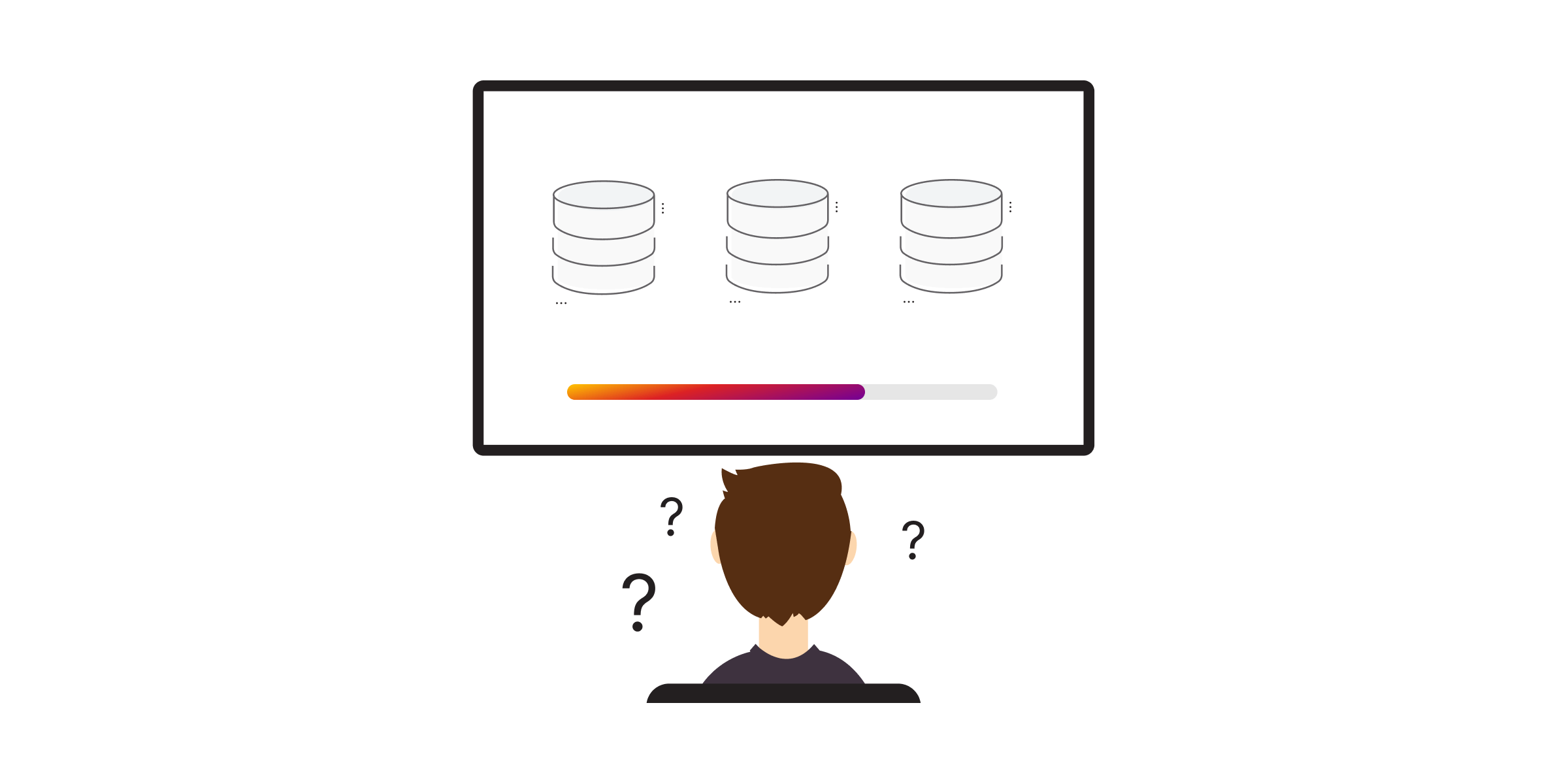
Copy-On-Write vs Redirect-On-Write
Two prevalent methods enable snapshots to capture and preserve data changes efficiently:
- Copy-on-write: Copies the original data blocks that are about to be modified into a snapshot area before they are overwritten.
- Redirect-on-write: Redirects the write operation to a new data block while retaining the old block in the snapshot.
Snapshots in Memgraph
Unlike “Copy-on-write” or “Redirect-on-write,” Memgraph employs a full snapshot mechanism where the entire in-memory database is saved to disk during a snapshot operation. This ensures durability by combining snapshots with Write-Ahead Logging (WAL), which records all changes since the last snapshot.

Database Snapshot Advantages
- Speed: Since they capture only changes made after their creation, they are swift in marking real-time modifications.
- Space efficiency: Unlike traditional backups, snapshots only store the alterations made.
- Reduced performance overhead: The absence of the need to duplicate the entire dataset ensures the system’s performance remains largely unaffected.
Potential Pitfalls and Best Practices
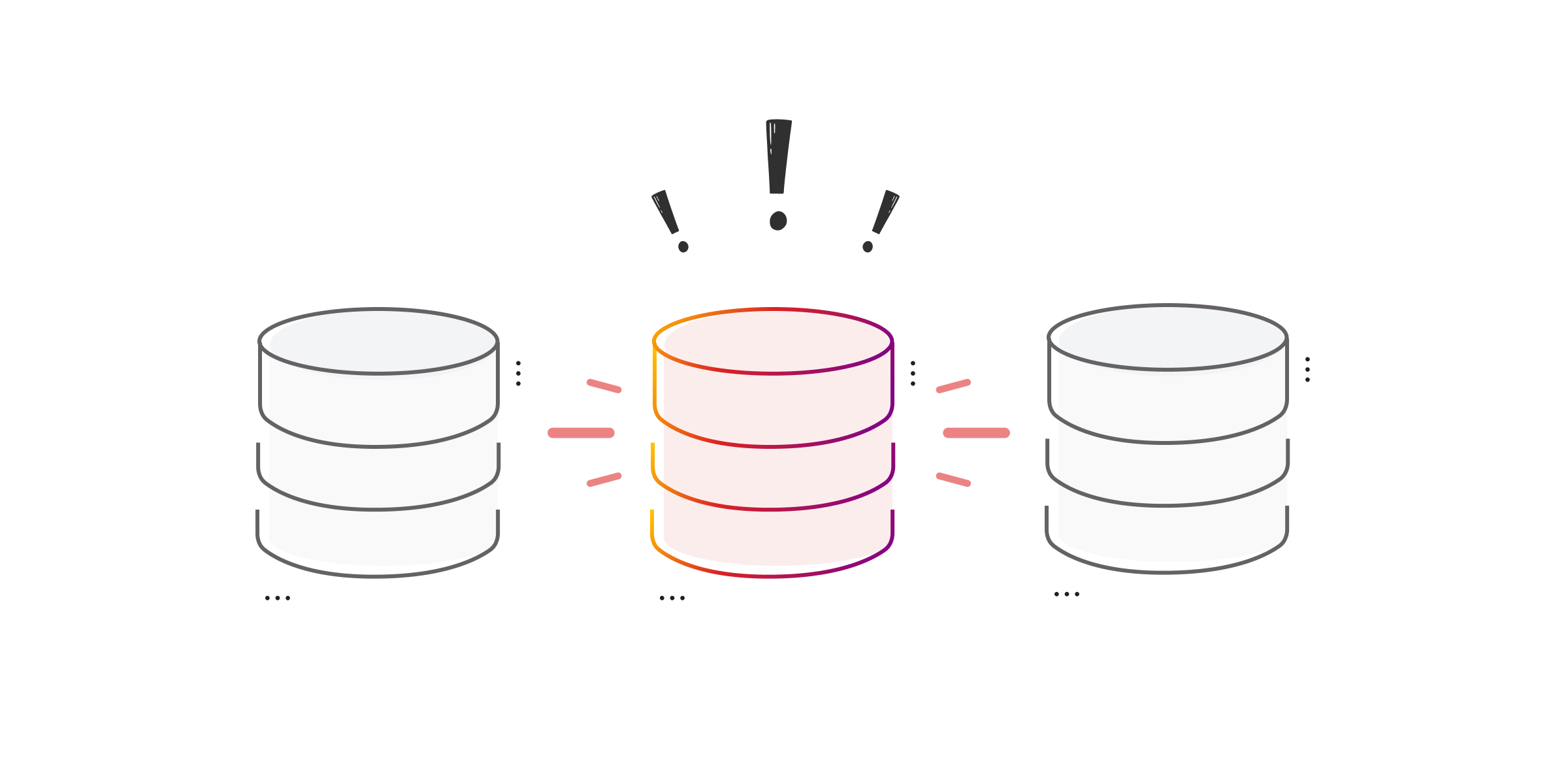
Snapshots should not be misinterpreted as a complete backup substitute. Best practices include:
- Balance with backups: Maintain a robust, traditional backup strategy alongside snapshots.
- Regular reviews: Periodically check and manage your snapshots to ensure they remain useful without consuming unnecessary storage.
- Validation: Always test snapshots to ensure data integrity.
Understanding ACID vs. Snapshot Isolation
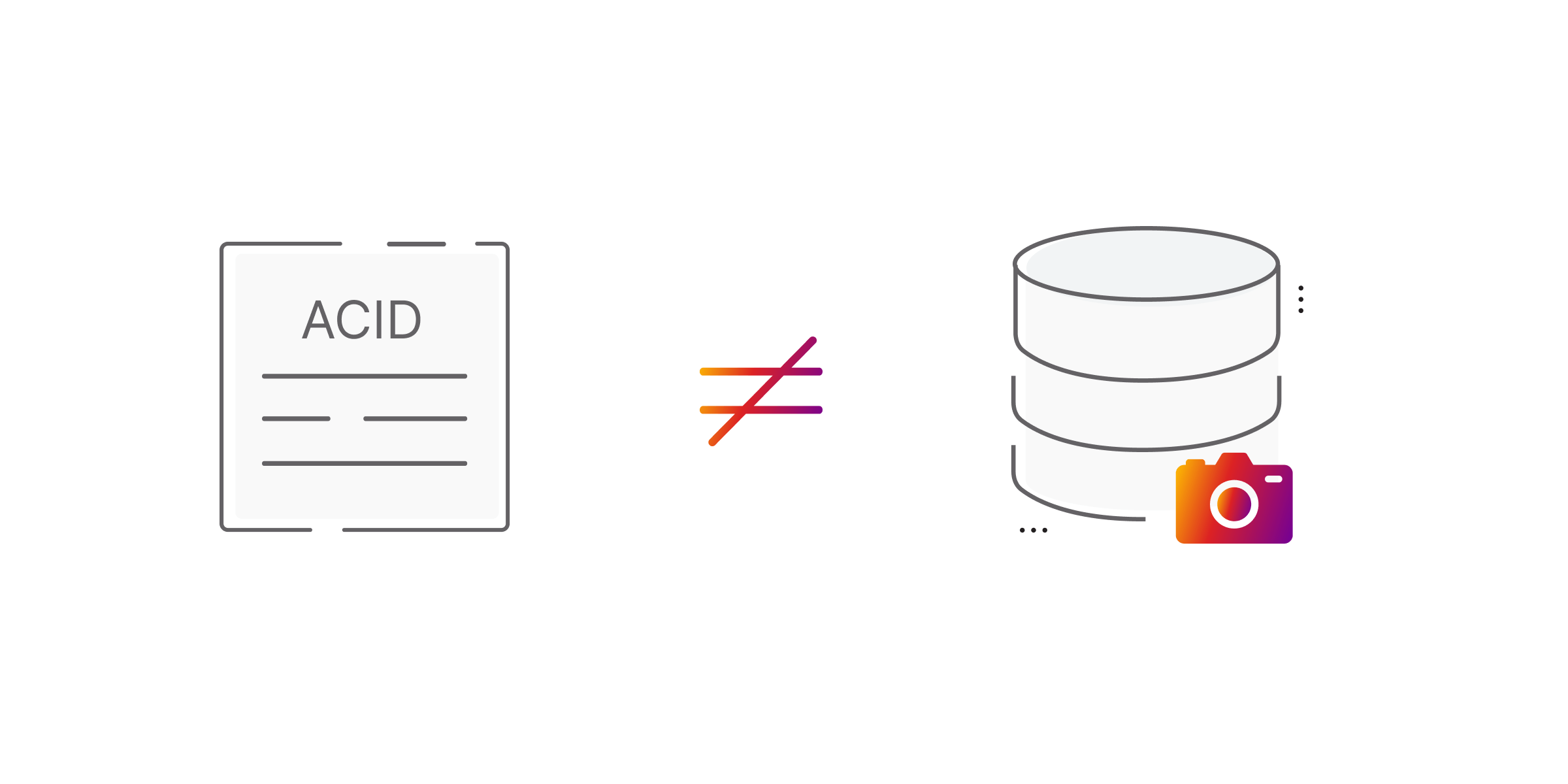
Snapshot isolation is a concurrency control mechanism that provides transactions with a consistent view of the database. Database snapshots, on the other hand, pertain to creating a point-in-time, read-only capture of the entire database, primarily for backup or analytical purposes. They serve unique and vital roles in database management.